
What changed after the patch
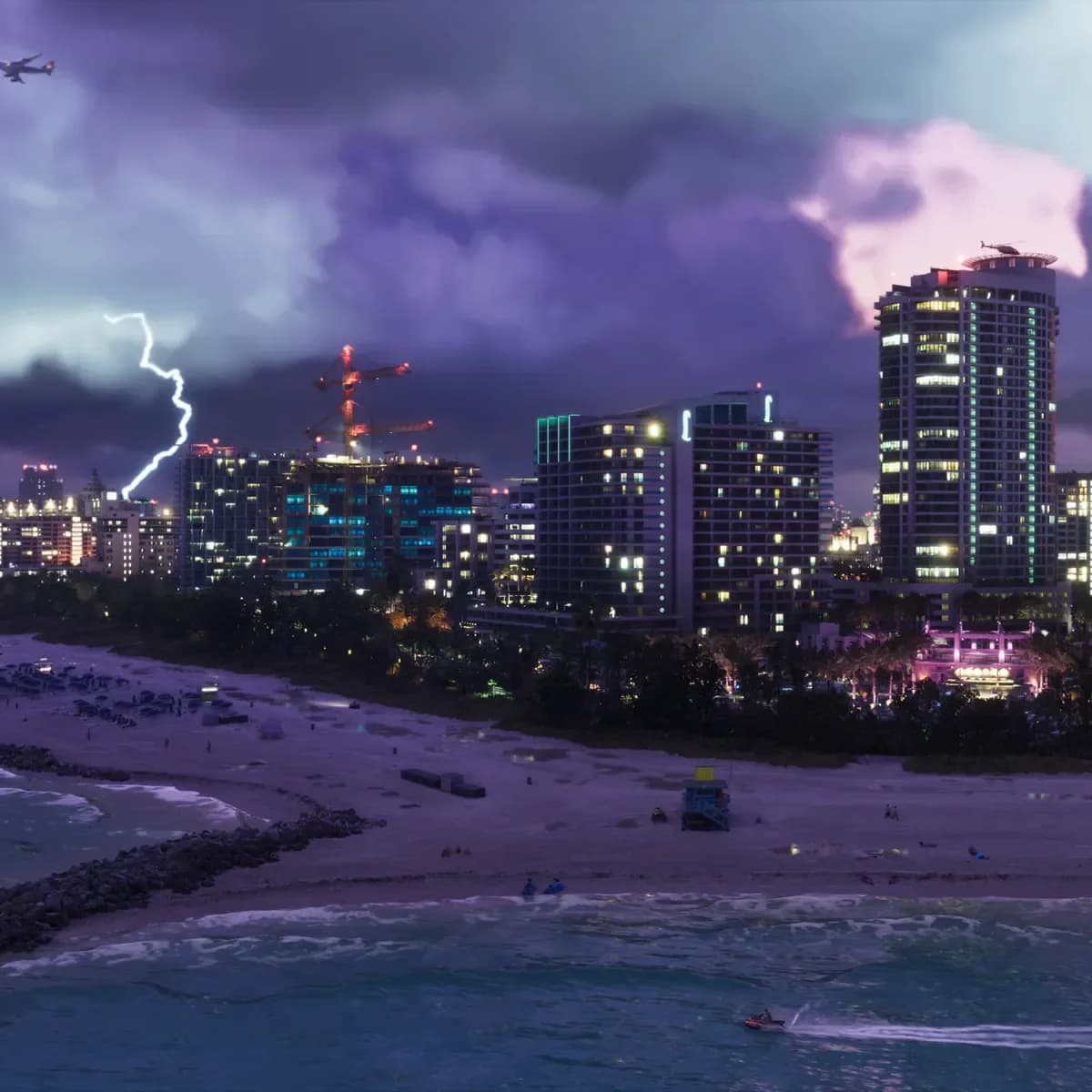
IGN’s Kirk McKeand reported that Rockstar’s first post-launch patch included a fix for GTA VI’s lack of weather variety. Some players still reported little variation after installing the update, though, and the game’s progression makes it hard to tell whether an extended spell of fair weather is a bug.
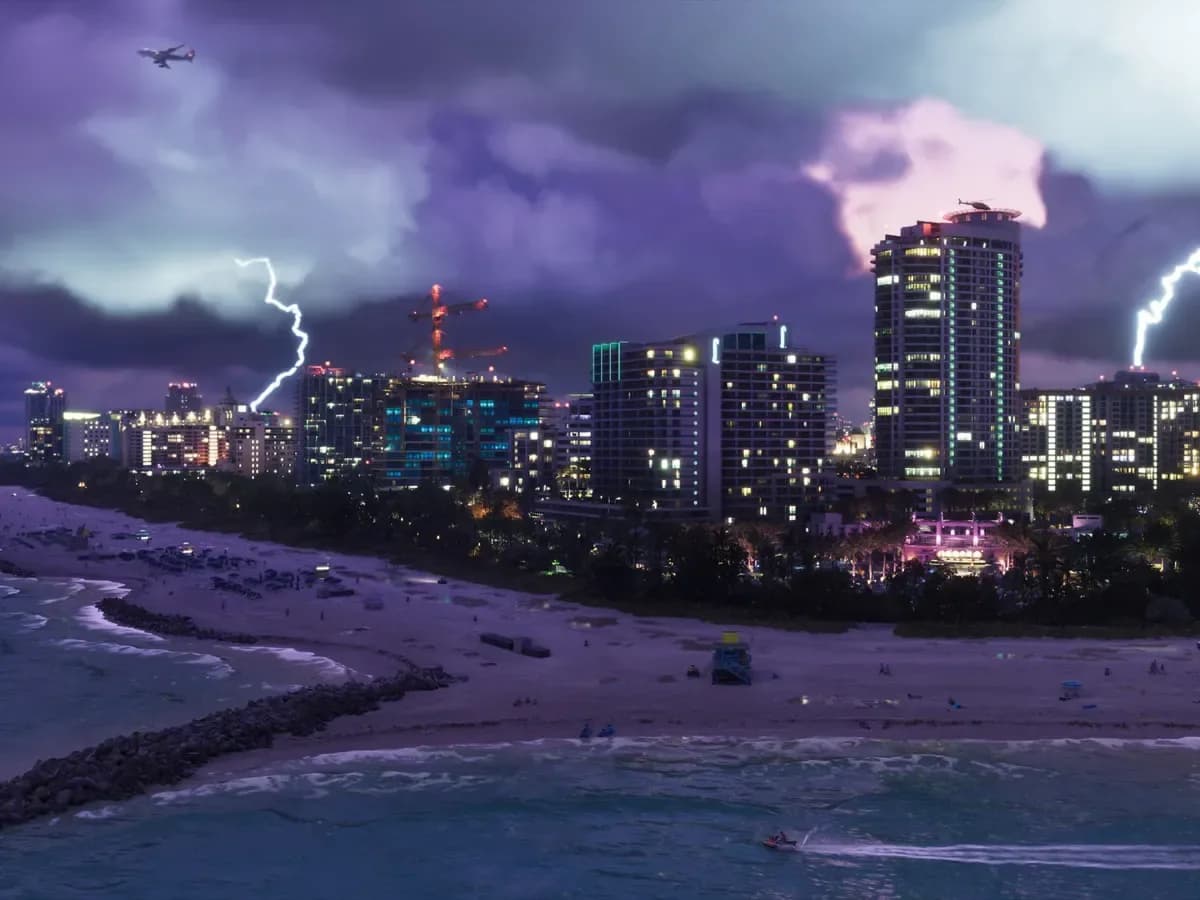
IGN credited X user @mauricioce85796 with sharing the PS5 workaround. Rockstar fan account Gameroll said they had played for 56 hours without seeing dramatic weather, then loaded into a storm after clearing the cache. Other users reported rain or more varied conditions. Those accounts explain why players are trying the workaround, but they don’t establish that the cache caused the problem or that clearing it made the patch take effect.
How to clear the PS5 system cache
Turn the PS5 all the way off, then hold the console’s power button to start it in Safe Mode. From the Safe Mode menu, choose option 6 and select the system cache clearing option.
Clearing the system cache removes temporary files without deleting installed games or saves. It’s a general PS5 troubleshooting step that players are trying for GTA VI, not a weather fix confirmed by Rockstar.
Why one storm doesn’t settle it
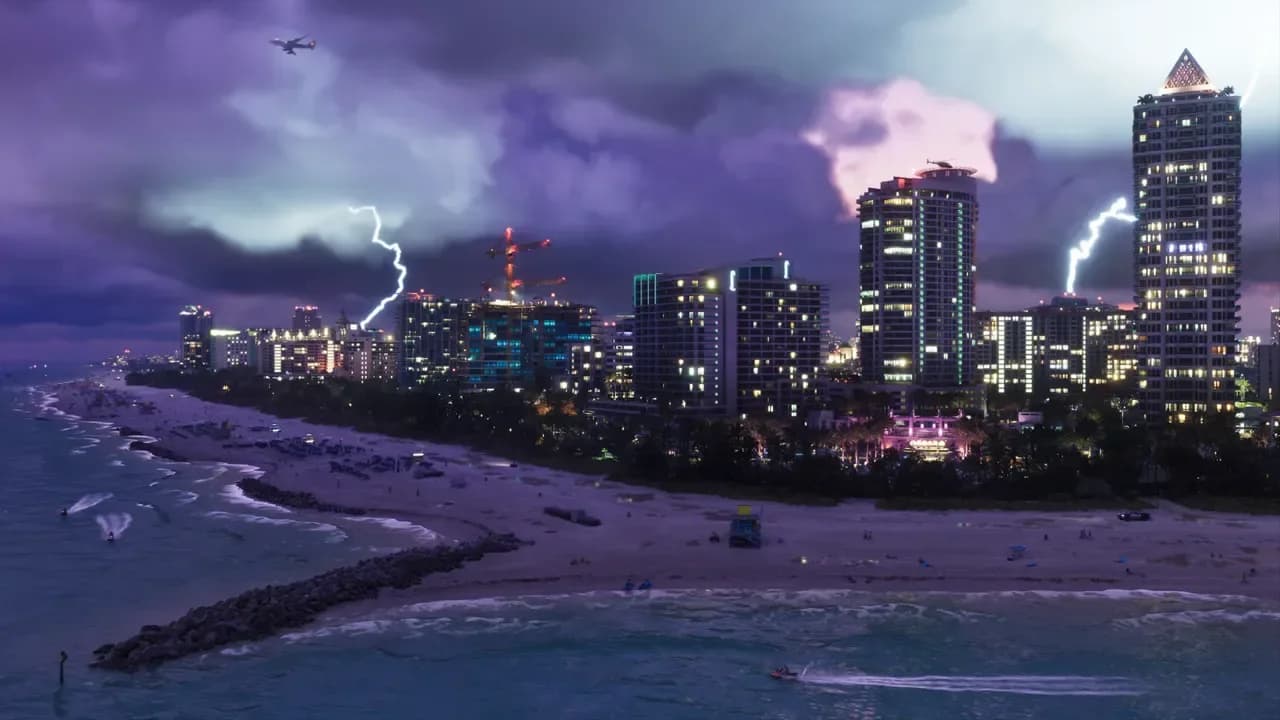
Rockstar’s Owen Shepherd told IGN that GTA VI is designed to open with generally fair weather and get stormier in later chapters. Rain can also be localized, so it’s possible to miss showers in the early chapters even when the weather is working as intended.
If the weather has barely changed over a long stretch since the update, clearing the cache is a reasonable troubleshooting step to try. Look for changes over several in-game days rather than judging by the first sky you see after loading. An immediate storm doesn’t prove the workaround worked, and clear skies don’t mean it failed.