Feel for the speed limit on R2
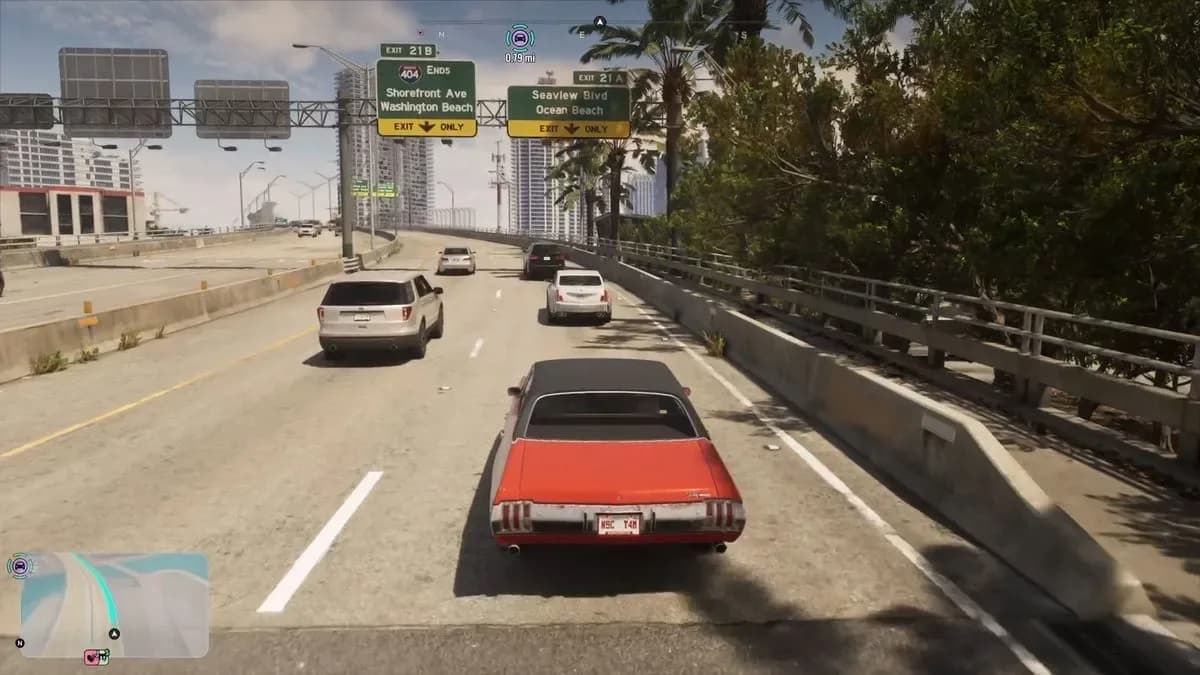
In Grand Theft Auto VI on PS5, you don't have to judge how far to squeeze the accelerator by sight alone. GamesRadar+'s Iain Wilson reports that holding R2 at its first point of resistance keeps your vehicle at the current speed limit. Squeeze past that point for full throttle. The distinction is where you hold the trigger, not how long you hold it. (gamesradar.com)
Wilson also describes two uses for D-pad Left. Double-tap it to switch the radio on or off; hold it to open the radio settings, then push the right stick up to reach controls for the windows, roof and hazard lights. A single tap left or right while driving operates the corresponding turn signal. It cancels after a turn, or you can tap the same direction again to switch it off. (gamesradar.com)
Use the map and Snapmatic for different kinds of detours
If you're already in a neighborhood and want to see what you can enter, Wilson says to look for buildings shaded darker blue on the map. Those interiors can contain cash, consumables, collectibles or unique weapons. A gold weapon icon is worth noting: according to the guide, once you've picked up a unique weapon, you can reclaim it later from a weapon locker. (gamesradar.com)
Snapmatic works in the other direction: you start with a place that catches your eye and then find out where it is. Wilson reports that you can usually press Square on a post showing an interesting location and choose Set Destination. That can also add a point of interest to the map, so a spot you notice while browsing doesn't have to become an immediate detour. (gamesradar.com)
Analysis: The two cues worth learning first
Start with the R2 resistance and the darker-blue map shading. They answer different questions without asking you to memorize a string of inputs: how much throttle to give the car, and which nearby buildings you can walk into. For a drive with no mission marker to chase, use Snapmatic to pick a destination and the map shading to decide where to stop along the way. The radio shortcut is handy; those two exploration cues are more likely to change where you spend your time.